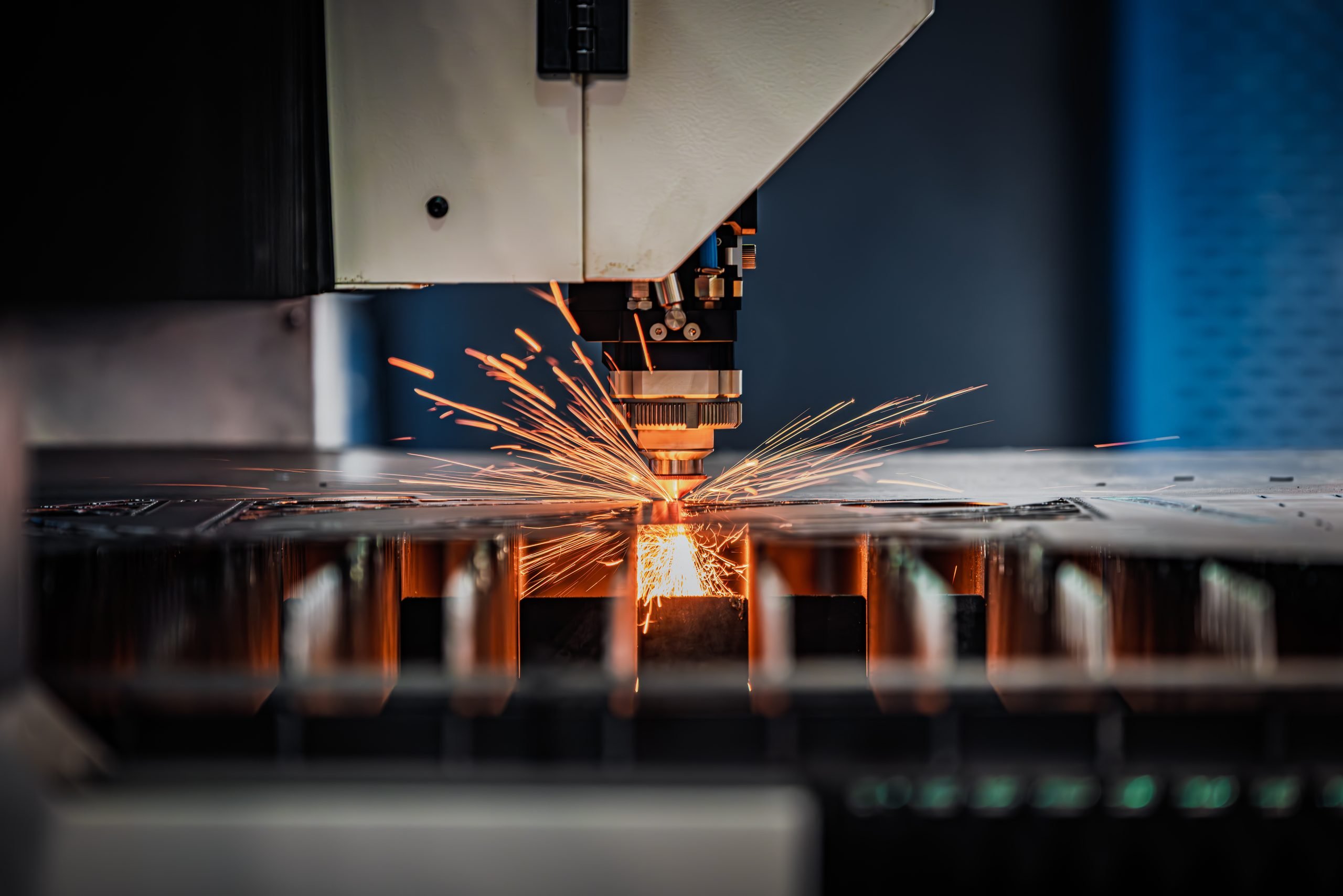
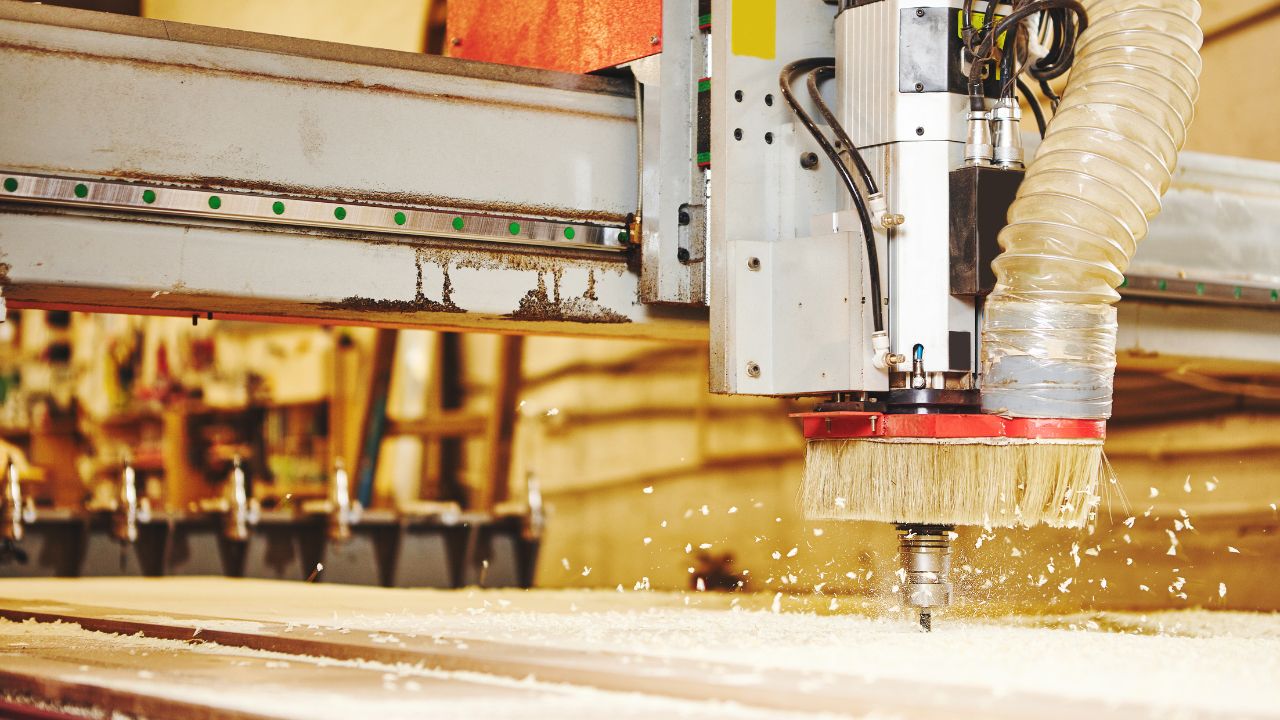
Choosing a CNC router, understanding how the machine converts digital designs into finished parts, helps you evaluate machining capability, production efficiency, and whether the equipment meets your application requirements. This article provides a detailed explanation of how a CNC router works and the complete working process.
What is a CNC Router
A CNC router is an automated machining machine that uses a CNC control system to move cutting tools according to programmed instructions. It can perform operations such as cutting, engraving, drilling, and slotting on different materials. It uses a program to control a high-speed rotating cutting tool to cut through materials, allowing it to perform operations like cutting, engraving, drilling, and slotting.
Compared to traditional manual machining methods, a CNC router can automatically complete the machining process according to your preset program, improving your machining efficiency and production consistency.
Understanding how a CNC router works helps you evaluate whether its machining capability, automation level, and configuration match your production requirements. Also, you will need to further evaluate by considering your workflow, equipment configuration, and machining requirements.
How a CNC Router Works
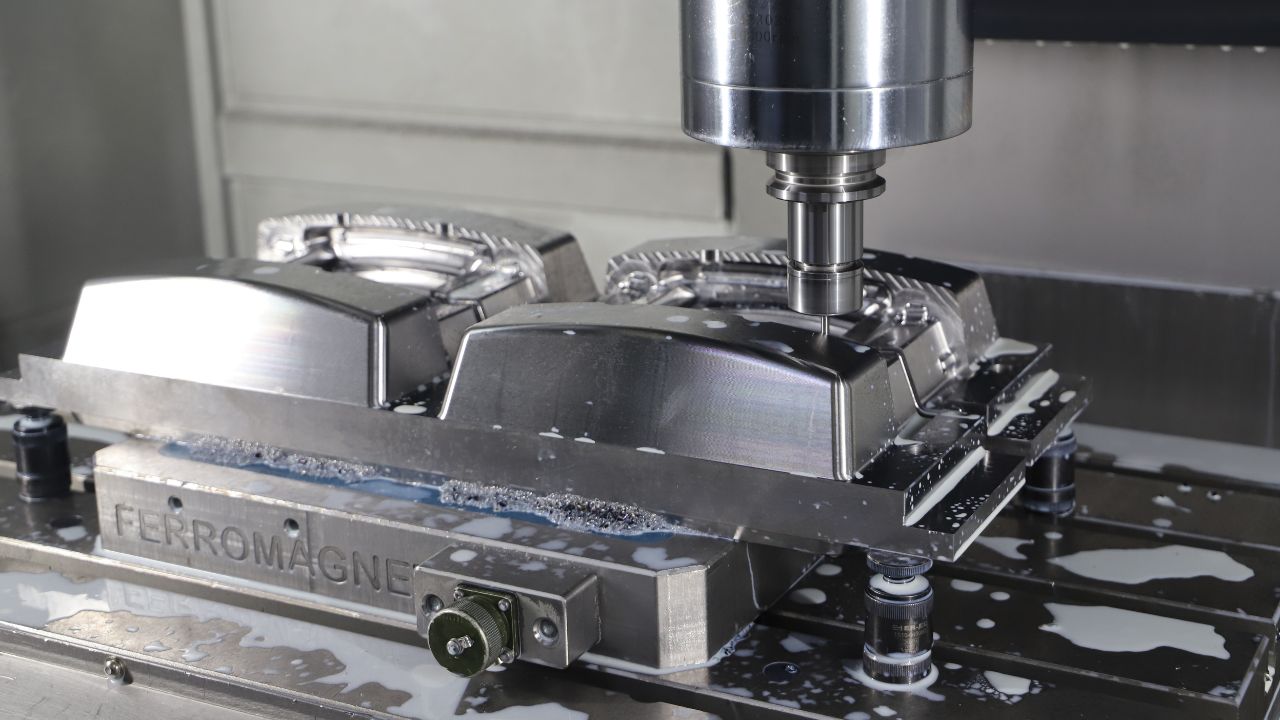
The CNC router’s work process involves multiple steps, from generating design files to the final machining of parts, including digitization, program control, tool movement, and quality inspection.
Understanding the CNC router’s workflow can help you determine how the equipment achieves automated machining and how different system settings affect machining accuracy, efficiency, and production stability.
CNC Router Main Components
| Component | Function | Why It Matters |
| Spindle | Rotates the cutting tool at high speed to remove material | Affects cutting capability, machining speed, and surface finish |
| Gantry and Axes System | Controls tool movement along X/Y/Z axes | Determines positioning accuracy and machining stability |
| Machine Bed | Supports the workpiece during machining | Reduces vibration and improves machining consistency |
| Motors and Drives | Control axis movement | Influences movement accuracy and repeatability |
| CNC Controller | Converts G-code into machine actions | Determines operation control and machining reliability |
Working Principle Step-By-Step
Create Digital Design
The first step in CNC router machining is to create a digital design file. You need to use CAD (Computer-Aided Design) software to create a 2D drawing or 3D model of the product, defining the part’s shape, dimensions, and the areas to be machined.
Design files usually contain information like part geometry, dimensional data, cutting contours, and hole locations, providing an accurate data foundation for subsequent machining processes.
It’s important to note that a CNC router cannot directly read images or textual descriptions; instead, it performs machining based on digital design data. Therefore, when selecting equipment, you need to confirm whether the CNC router supports your design file format and whether it can integrate with your existing design workflow.
If the equipment can smoothly integrate your design and production processes, it can reduce setup time and improve the efficiency of future product adjustments and production transitions.
Convert Design into G-code
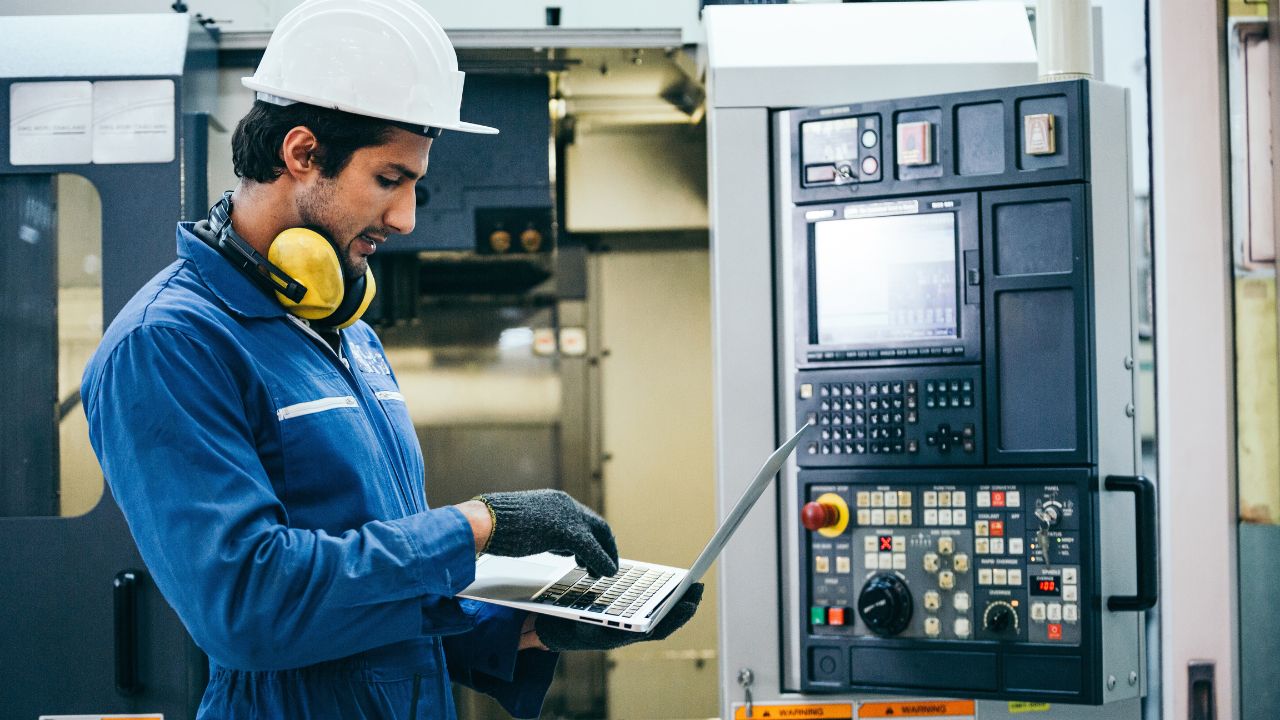
The CNC router cannot read CAD drawings directly; you need to use CAM (Computer-Aided Manufacturing) software to convert the design data into G-code that the machine can recognize.
During this process, the CAM software generates toolpaths based on your machining requirements and sets the relevant machining parameters like toolpath, depth of cut, feed rate, and spindle speed based on the machining requirements.
The CNC control system reads G-code and controls the motors, spindle, and cutting tools to move along preset paths. This allows the CNC router to automatically convert your digital designs into physical parts.
If the equipment can efficiently convert design files into machining instructions, it can help you reduce manual programming time and simplify operations.
Secure Workpiece
Before the CNC router begins machining, you need to secure the material to be machined to the worktable to ensure that the workpiece remains stable during the cutting process. There are three common methods of fastening.
Vacuum Table
It uses vacuum suction to secure materials to the worktable surface. It is suitable for processing large-sized panels, like wood and acrylic sheets. Quick loading and unloading improve batch production efficiency.
Clamps
Workpieces are secured using mechanical clamps, making this method suitable for small-batch production or workpieces of various shapes, and offering a high degree of flexibility.
Fixtures
Designed for specific workpieces, fixtures provide both secure holding and accurate positioning. They are commonly used for repeated production because they help maintain consistent machining results.
Machine Setup
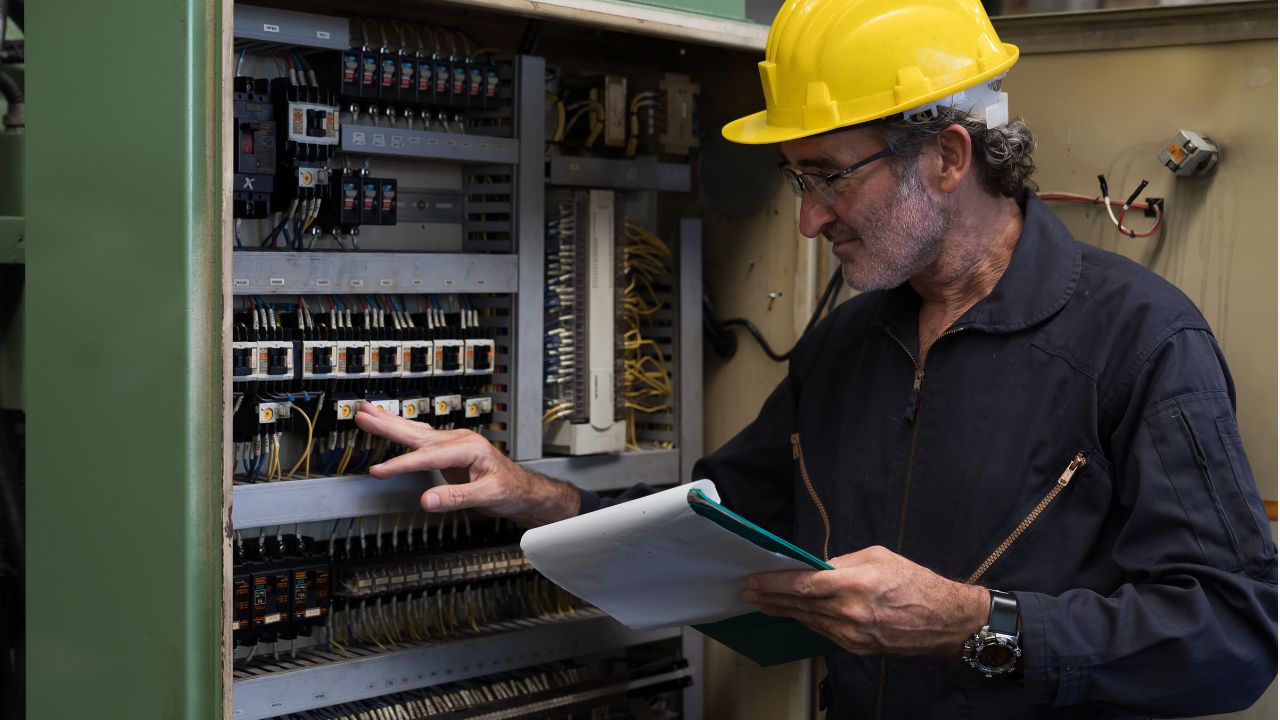
Before you begin machining, you need to set up the CNC router, which includes installing the appropriate cutting tools, setting the workpiece origin (Work Zero), importing the G-code program, and adjusting the relevant parameters based on the material and machining requirements.
Different materials and machining tasks require different machining settings, such as spindle speed, feed rate, depth of cut, and toolpath. These parameters affect how the tool cuts the material and directly impact your machining efficiency, surface quality, and tool life.
This is why the same CNC router may produce different machining results under different production conditions. The machine must have stable hardware performance and also support flexible parameter adjustments to accommodate different materials, product dimensions, and machining requirements.
When selecting a CNC router, you should consider whether the machine is easy to set up, whether the operating procedures are straightforward, and whether the supplier can provide the necessary technical support.
Cutting Process
Once the equipment setup is complete, the CNC router will begin executing the machining program, converting your digital instructions into actual mechanical movements.
First, the CNC controller reads your G-code and converts the machining information it contains into control signals that drive the motors to control the movement of each axis.
A CNC router usually works on the basis of a three-axis (X/Y/Z) motion system, in which the three axes move in coordination to position the cutting tool along a path you have preset.
At the same time, the spindle drives the cutting tool to rotate at high speed, removing material through cutting forces to perform machining operations such as cutting, engraving, and slotting.
In this process, machining accuracy is determined by the combined performance of the control system, motion mechanism, spindle, and cutting tools.
Understanding the cutting process of a CNC router can help you evaluate the machine’s actual machining capabilities. When comparing different CNC router machines, you should consider whether the control system, motion mechanism, and cutting components can meet your requirements for machining accuracy and production stability.
Finished Part Inspection
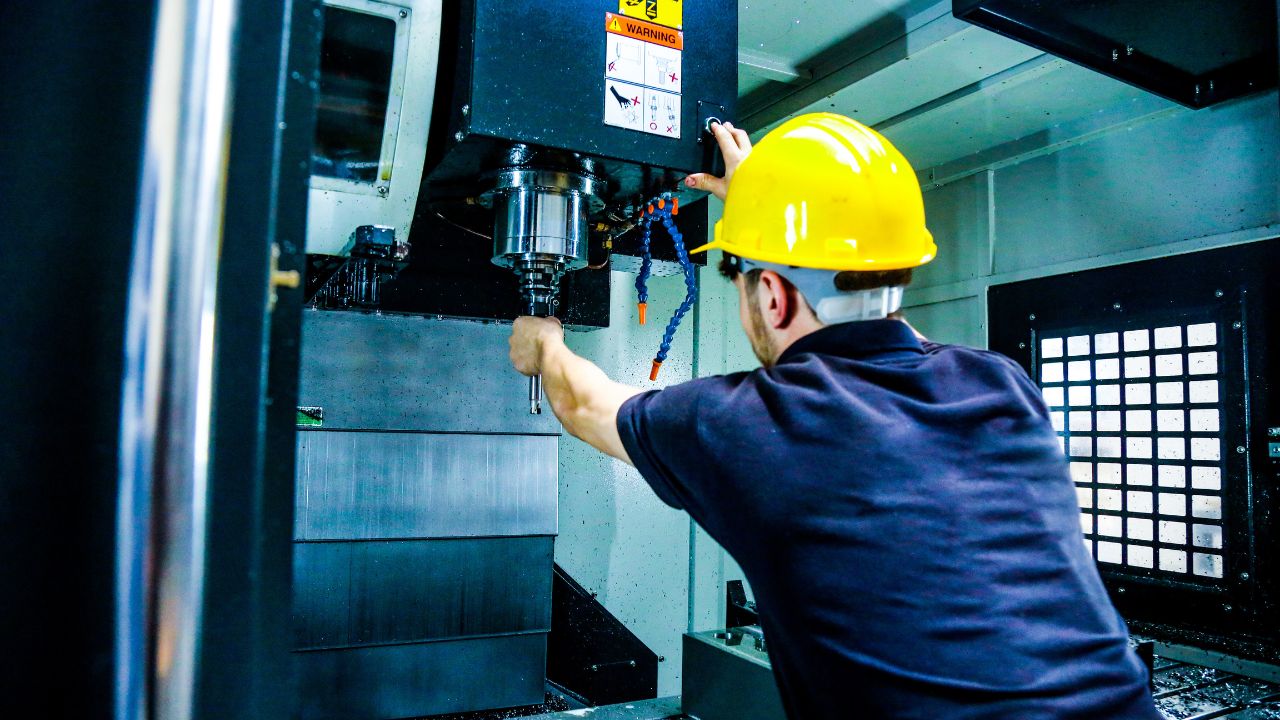
Once machining is complete, you need to inspect the finished product to verify that the actual machining results meet the design requirements. Quality inspections help you identify deviations that occurred during the machining process and ensure that the part dimensions, surface quality, and overall machining results meet the expected standards.
There are many methods of inspection, including manual inspection, inspection using measuring tools, and automated inspection.
If there are dimensional deviations, it may result in parts that cannot be installed or fail to fit together with other components; thus, dimensional accuracy is a key indicator for assessing the reliability of CNC router machining.
Working Principles of Different CNC Router Types
The main differences among various types of CNC routers lie in their motion mechanisms and automation configurations; these differences affect the machining tasks the equipment can perform as well as production efficiency.
Based on the number of axes and functional configurations, CNC routers can be classified into 3-axis, 4-axis/5-axis, and ATC (Automatic Tool Changer) types, among others.
3-Axis CNC Router
It uses the X, Y, and Z-axis motion described earlier, controlling the tool’s position through linear movement in three directions and performing cutting, engraving, and other machining operations according to G-code instructions.
Due to its simple structure, the 3-Axis CNC router can meet most basic machining needs and is a commonly used type of equipment for many routine machining tasks. Suitable for standard cutting, engraving, and panel processing.
4-Axis / 5-Axis CNC Router
Unlike three-axis CNC routers, four-axis and five-axis machines incorporate additional rotational movements, allowing the cutting tool to approach the workpiece from more angles. However, they still follow the process described earlier.
You can use this type of machine for complex woodworking projects, 3D carving, mold machining, and the manufacture of complex parts. It is suitable for complex 3D surfaces and multi-angle machining.
ATC CNC Router (Automatic Tool Changer)
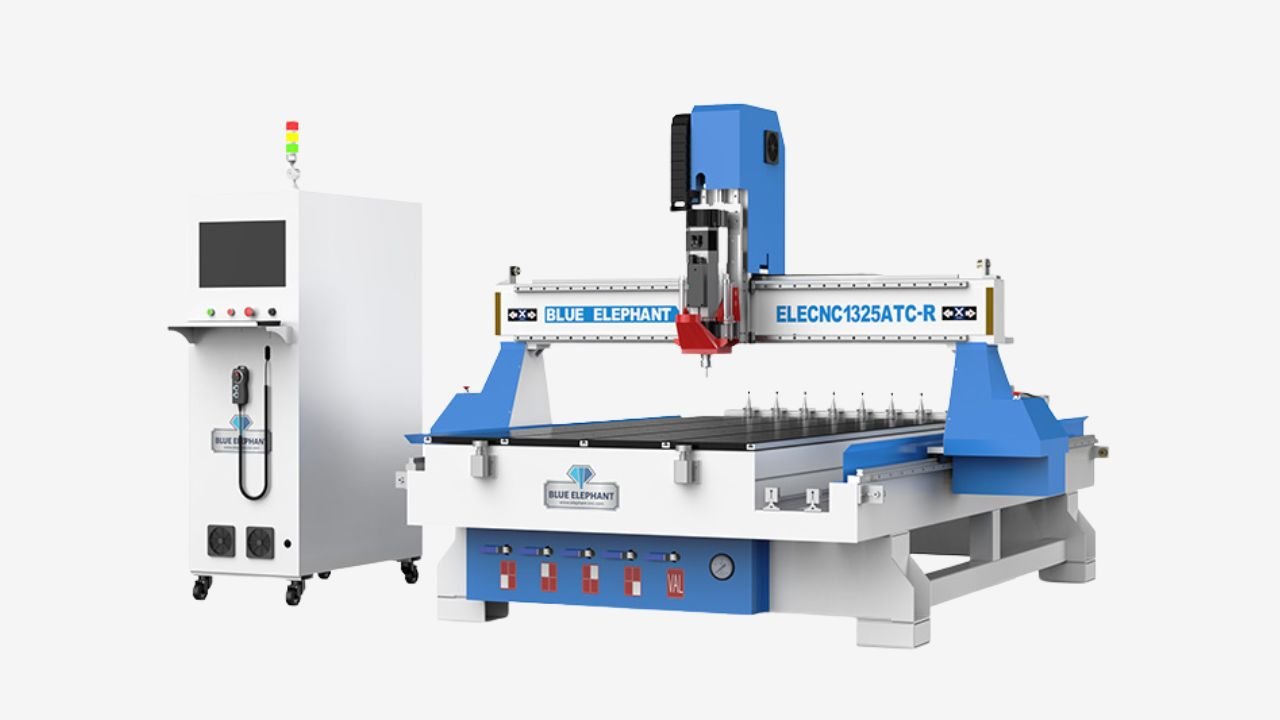
An ATC CNC router (Automatic Tool Changer CNC Router) is a type of equipment that adds an automatic tool changer system to a standard CNC router. Its basic machining process is the same as that of other CNC routers: it still reads G-code via the CNC controller and controls tool movement to complete machining.
During the machining process, the CNC controller identifies the current machining step based on your G-code instructions and controls the automatic tool changer to swap in the appropriate tool, enabling the machine to complete multiple machining steps continuously.
ATC CNC router can improve efficiency for production requiring frequent tool changes. You can use the ATC CNC router for processing tasks that require a variety of cutting tools, such as continuous processes like cutting, drilling, slotting, and engraving.
FAQs
How Accurate Is a CNC Router?
The accuracy of a CNC router usually ranges from ±0.05 mm to ±0.2 mm, depending on the machine’s design, control system, cutting tools, materials, and machining conditions. Industrial-grade CNC routers can achieve even higher accuracy when properly calibrated.
How Long Does It Take to Learn How to Use a CNC Router?
Learning to use a CNC router usually takes from a few days to several months, depending on your goals. Basic operations generally take just a few days to two weeks, while mastering CAD/CAM programming, toolpath optimization, and complex machining techniques usually requires several months of hands-on experience.
Can a CNC Router Automatically Complete the Machining Process?
A CNC router can automatically perform machining operations such as cutting, engraving, and routing based on a pre-set machining program. However, before actual machining begins, you still need to complete preparatory work and perform final inspections.
What Materials Can a CNC Router Machine Process?
A CNC router can work with a variety of materials, including wood, acrylic, plastic, foam, and composite materials. The specific materials that can be processed depend on the machine’s configuration, cutting tools, and machining parameters.
What Factors Affect CNC Router Performance?
The performance of a CNC router machine is influenced by a variety of factors, like spindle configuration, motion system, controller, machine structure, and parameter adjustment capabilities. These factors determine machining accuracy, stability, and production efficiency.
Final Thoughts
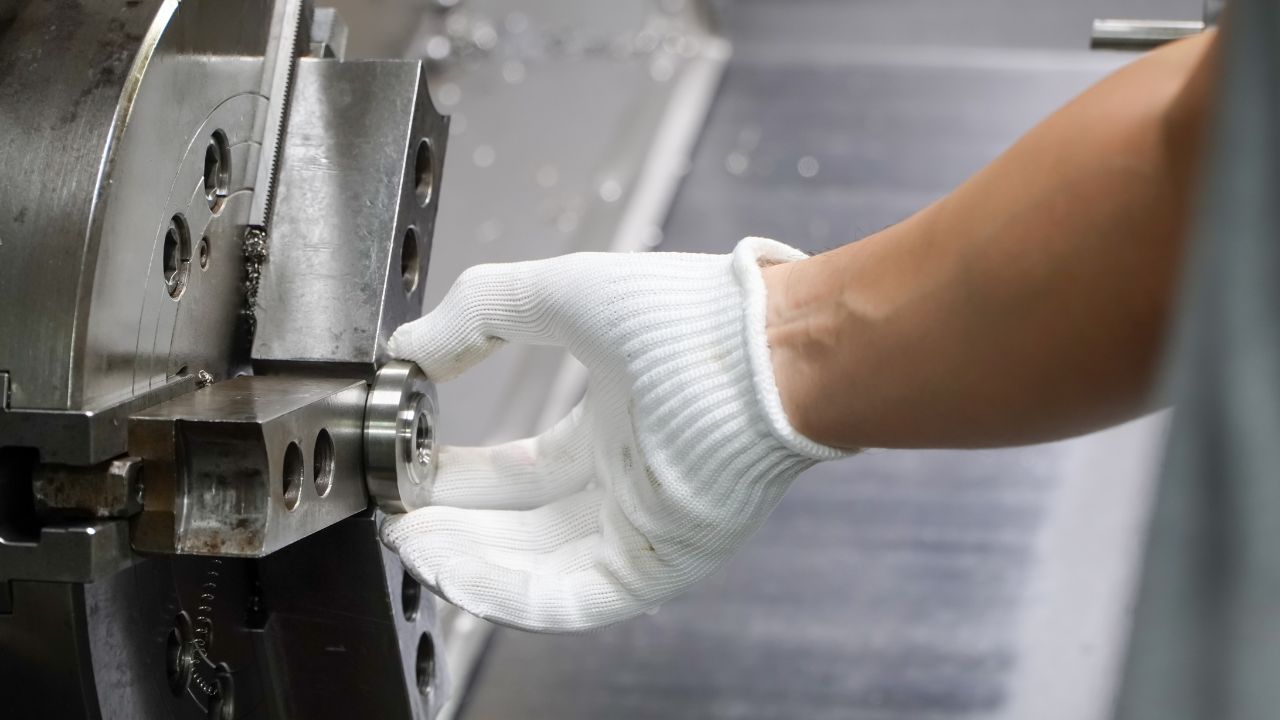
Understanding how a CNC router works helps you choose equipment that matches your production requirements. ElephMax provides CNC router solutions designed for reliable performance, precision machining, and efficient production across different materials and applications. Contact us to discuss your machining needs.